
Prepare · By SistemaHub · 2026-09-27
What to prepare before commissioning a business system
A good brief is not a wish list. It is a working document that helps a development team understand who the system serves, what information moves through it, which decisions it supports, what happens when things go wrong, and how everyone will know it works. This checklist covers those five areas so you can start a commissioning conversation with clarity rather than guesswork.
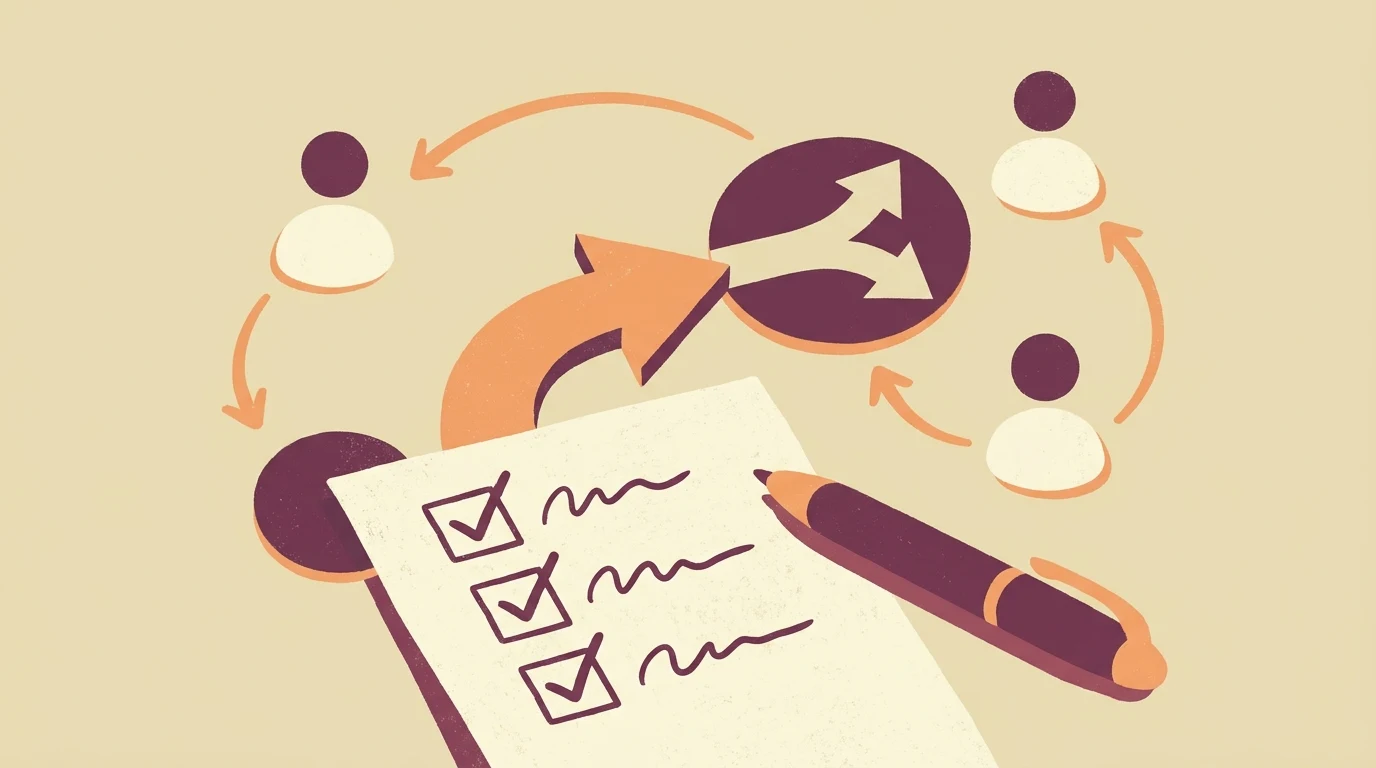
Start with the people who will use the system
Before describing features, write down who will use the system and what they are trying to get done. Include the people who provide the service or support other users, not just the most visible group. A brief that names only one type of user often misses the workarounds that keep operations running. [1]
User needs are usually written in a simple format: the user needs or wants to do something, so that they can achieve a specific outcome. Keep the list focused on what matters most so it does not become unmanageable. [1]
Advice: interview two or three people from each user group before writing the brief. Ask what they do today, what frustrates them, and what they would need to do their work faster or with fewer errors.
Map the inputs and where they come from
List every piece of information the system will receive, who provides it, and in what form. Inputs may arrive from customers, suppliers, staff, or other systems. For each input, note whether it is required or optional, how often it arrives, and what happens if it is missing or late.
Research questions should be agreed at the start of each development phase and updated as you learn more. Turning assumptions into research questions helps the team focus on what it actually needs to know. [2]
Advice: create a simple table with columns for input name, source, format, frequency, and owner. This becomes a reference during design and testing.
Describe the decisions the system must support
A business system is not just a place to store data. It helps people decide what to do next: approve a request, flag a late payment, assign a task, or escalate an issue. Write down the decisions that happen today and who makes them.
User needs tend to be high-level and stable over time. As design progresses, they are used to write user stories that describe specific features and content, including acceptance criteria and dependencies. [1]
Advice: for each decision, note the trigger, the information needed, the person responsible, and the expected outcome. This helps a development team design screens and notifications that match real work.
Plan for exceptions and edge cases
Most briefs describe the normal path. The exceptions are where systems often fail. Ask what happens when a customer cancels, a payment is partial, a document is missing, or two people edit the same record. Write down how these situations are handled today and what should improve.
When researching, focus on users who have problems using existing services or getting the right outcome. This helps create a simpler, clearer, faster service that more people can use. [1]
Advice: list the five most common exceptions your team handles each week. For each one, describe the current workaround and the desired behaviour in the new system.
Define acceptance before development starts
Acceptance criteria describe what must be true for a feature to be considered complete. They should be specific enough to test and written in plain language. Without them, both sides may have different expectations about when work is done.
The service manual describes user stories as a more detailed planning format that adds acceptance conditions, complexity information, and links to other work. Use those details to make a proposed feature easier to discuss and test. [1]
Advice: for each major workflow, write two or three acceptance statements in the form: given this situation, when this action happens, then this result should occur. Review them with the people who will use the system daily.
Keep the brief short and share it widely
A brief does not need to be a long document. A few pages covering users, inputs, decisions, exceptions, and acceptance is often enough to start a productive conversation. The goal is shared understanding, not exhaustive detail.
Share what you learn with colleagues, stakeholders, and users. Present it in a way that is easy for others to understand and share, such as experience maps or user profiles. The more you share, the more others will spot gaps and ask useful questions. [1]
Advice: circulate the draft brief to one person from each user group and ask them to mark anything missing or unclear. Update the brief before sending it to a development team.
A useful next step
Prepare a short brief covering users, inputs, decisions, exceptions, and acceptance. Review it with the people who do the work, then use it as a shared reference throughout the project.
Discuss your workflow with SistemaHub.Sources & further reading
Written for SistemaHub with AI assistance and source-based editorial checks.