
Compare · By SistemaHub · 2026-09-27
Custom Software vs Off-the-Shelf in the Philippines: A Practical Decision Checklist
Before choosing custom software or an existing tool, document one workflow: who does the work, what they need to finish, and where the current process falls short. Use that record to compare buying, configuring, and building against the same requirements.
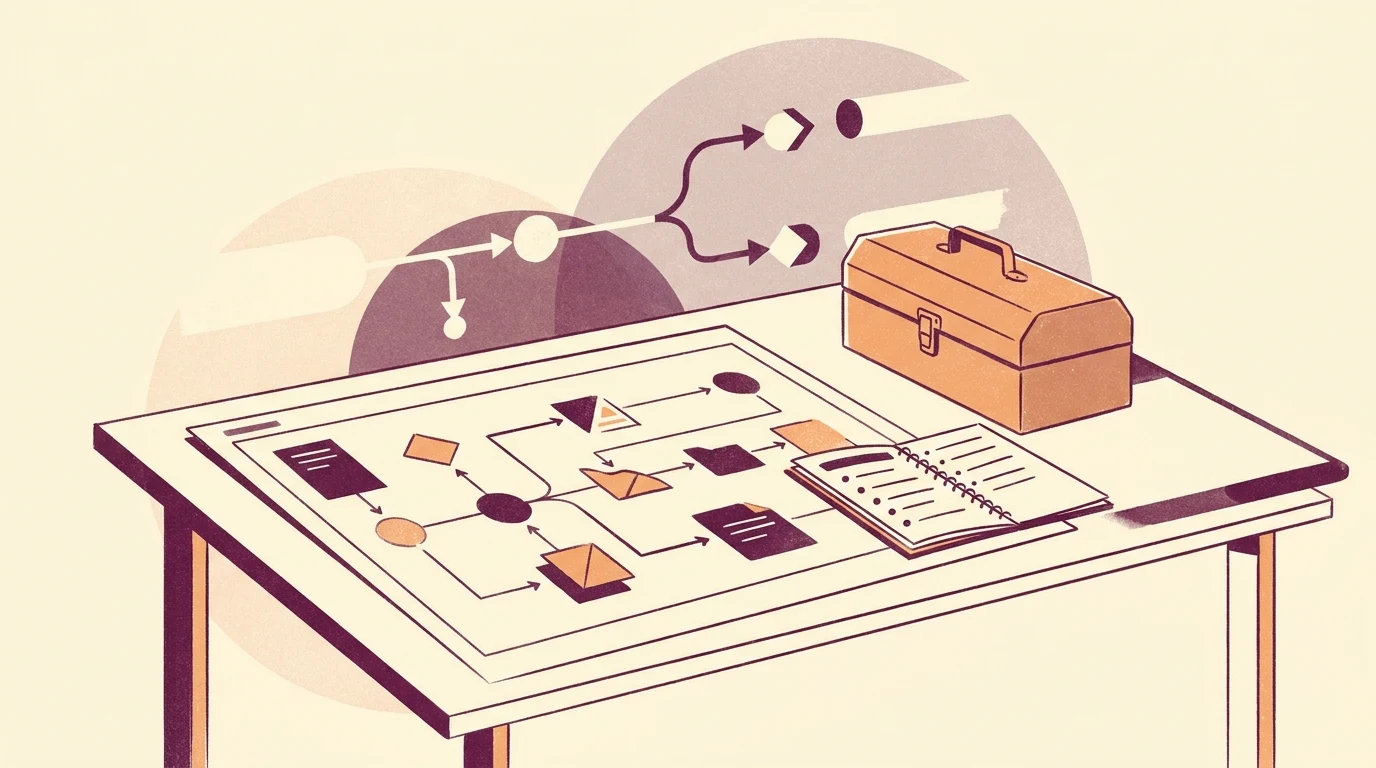
Start with one real workflow, not a feature list
Pick a single workflow that causes friction today, such as processing a customer request from inquiry to completion. Write it down as a user story: who is the actor, what they need to do, and why. This keeps the decision grounded in actual work rather than a wish list of features.
User stories describe a user and the reason they need to use the service being built, and they should include the actor, the narrative, and the goal. [1]
The most important part of a user story is the goal, because it helps confirm you are solving the right problem and decide when the need is met. [1]
Write acceptance criteria as a done checklist
For the workflow you documented, list the outcomes that must be true for it to be considered finished. Keep the list short and observable, such as 'it's done when the request is logged' or 'it's done when the approver can see the status'.
Acceptance criteria are a list of outcomes used as a checklist to confirm the service has done its job and is meeting the user need. [1]
They are often written as a list that begins with 'it's done when'. [1]
Check whether an existing tool already meets the need
Before building, compare your acceptance criteria against the tools you already pay for. If most criteria are met, the practical answer may be to adapt your process or configure the tool rather than commission new software.
The UK government service manual links understanding user needs with better service uptake and fewer problems to resolve. For a business software decision, we recommend applying that principle by checking how well each option fits the people doing the work. [2]
If you do not understand who users are or what they need from the service, you cannot build the right thing. [2]
Look beyond the primary user
A workflow often involves people who support the main user, such as approvers, administrators, or field staff. Include their needs in the same document so the decision does not solve one person's problem while creating another.
You must understand the needs of all kinds of users, not just typical users, and consider the needs of people who provide the service or support other users. [2]
Decide with a simple rule
If an existing tool meets most acceptance criteria and the remaining gaps are minor, keep the tool and adjust the process. If the gaps are specific, repeated, and central to how the business runs, that is the case for custom software.
SistemaHub builds custom web applications for Philippine businesses, including systems that replace spreadsheets, group chats, and manual follow-ups. [3]
Its products are built for real work, with each product solving a specific operational problem through a focused workflow. [3]
Keep the decision reversible
Document the workflow and the decision so you can revisit it later. If the business changes, the same checklist can tell you whether to keep, adapt, or replace the tool.
User needs tend to be high-level, broad in scope, and stable over time, and they are used to write user stories as the service is designed. [2]
A useful next step
Document one real workflow with actor, need, and goal, then test it against the tools you already have. Build only when the gap is specific, repeated, and central to the work.
Discuss your workflow with SistemaHub.Sources & further reading
- Writing user stories and acceptance criteria
- Start by learning user needs
- SistemaHub public project information
Written for SistemaHub with AI assistance and source-based editorial checks.